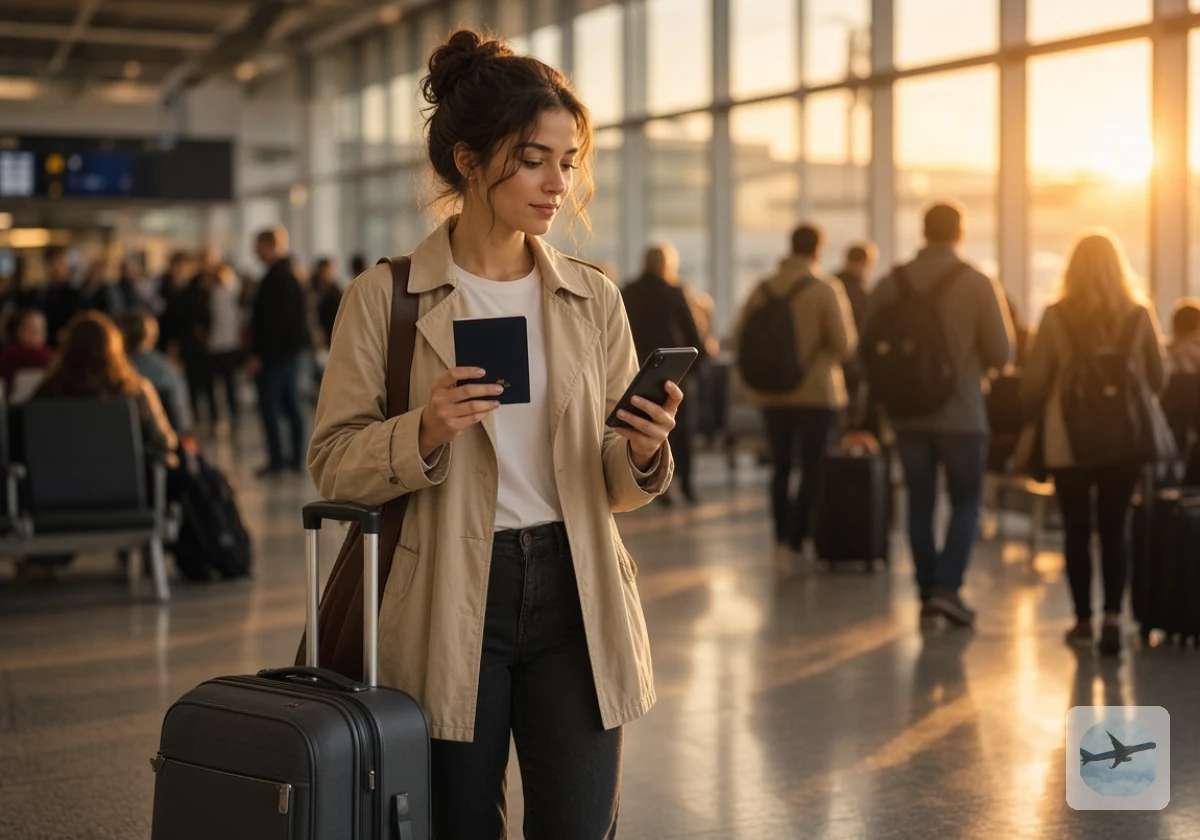
When your phone number changes after moving abroad, any account that texts login codes to the old number can lock you out. Your bank, email, and tax portal might still expect that number long after you’ve stopped using it.
That’s why keeping your logins through a move means planning account recovery before you hand back your old SIM. At IBRC Bali, we treat phone access as part of relocation planning because losing banking access abroad can disrupt your first few weeks.
This guide covers why one number controls so many logins, what breaks when it dies, and three ways to keep your US number. You’ll also get five steps to set up account recovery before you fly.
Your Phone Number Is the Master Key to More Digital Accounts Than You Think

Many online services use your phone number as proof that you’re the real account owner. According to the Pew Research mobile ownership fact sheet from 2026, 98% of U.S. adults own a cellphone of some kind. So it’s no surprise that so many services rely on phone numbers for login security.
Cancelling your plan breaks that assumption, and a moving-abroad phone number change reaches far past your phone bill. Carriers recycle canceled numbers, so if you drop your number when you move abroad, the next owner could receive texts meant for you (including account verification codes).
That risk gets harder to manage when you’ve lost track of your old logins. If you’re anything like the people we talk to, you’ve forgotten half the apps tied to that line. Which logins depend on it? These are the usual ones:
- Banking and Credit Card Apps: A new device or unusual login location might prompt an SMS code. Your everyday bank account deserves attention first.
- Email Accounts: Your old number might still be the main recovery option. Losing email access could affect several other accounts.
- Government Portals: IRS, Social Security, and state sites may text codes, so log in once to see which method each uses.
- Payment Apps: PayPal, Venmo, and similar services sometimes request extra verification before transactions. A failed login could delay an urgent payment.
- Messaging and Social Apps: WhatsApp uses your number for registration, while Instagram and Facebook offer other recovery methods. Each needs a separate review.
Write each one down today, because that list becomes your checklist in the preparation steps we’ll cover later. Add the apps you open only once a year, since those are the easiest to miss.
What Happens to Two-Factor Authentication Overseas When Your Old Number Goes Dead?
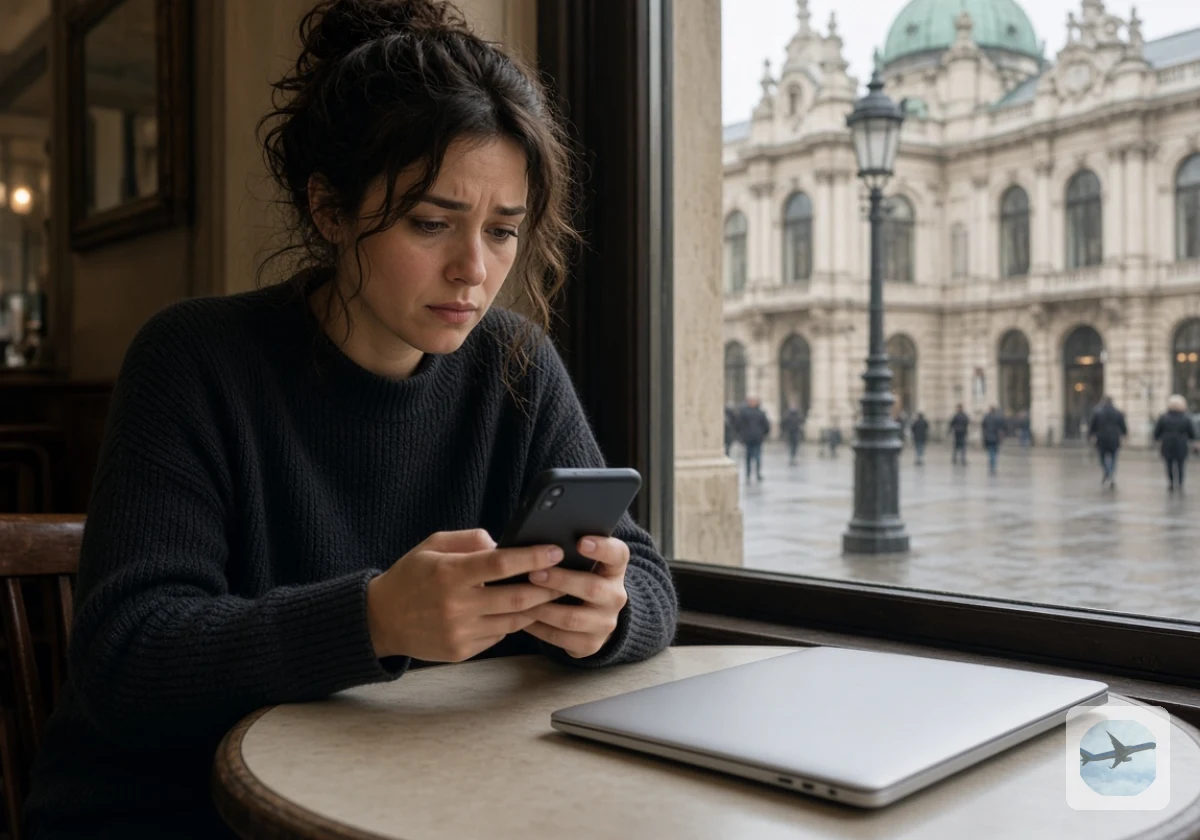
Once your old SIM stops working, SMS codes sent to that number no longer reach you. That’s a problem for two-factor authentication overseas if your accounts still depend on text messages. Two-factor authentication (2FA) asks for a second proof of identity after your password, often a short code.
Banks add another hurdle on top of the missing codes. The NIST digital identity guidelines on SMS codes tell verifiers to consider risk indicators like “device swap, SIM change, number porting” before texting a code. A change in your phone setup may prompt extra security checks, even when your texts still arrive.
The trouble gets worse if you need to recover your account. Many recovery forms ask you to confirm your identity by text, and some US support teams may only call a US number (rarely at an hour that suits your new home). People living abroad could face delays while proving who they are through other recovery methods.
From what we see in relocation planning, banking tends to cause the worst damage, because one locked account blocks rent, visa fees, and transfers at once. That’s why you should review each provider’s security and account recovery instructions ahead of your move. Find out how they handle overseas logins and changes to your registered number. Some providers require access to a trusted device to update your 2FA settings.
Keeping Your US Number While Abroad: Google Voice, Number Parking, or a Cheap Plan
If you want to receive US verification codes abroad, you’ll need a number that still works overseas. Google Voice, number parking, and cheap carrier plans offer different ways to do that, each with its own limitations.
| Option | How It Works | Watch Out For | Best For |
|---|---|---|---|
| Google Voice | You port your number to Google Voice, a VoIP service, and use the app over Wi-Fi | Some banks reject a virtual number for codes | Calls and texts with friends and family |
| Number parking | A parking service holds the number for a monthly fee | Text forwarding and call forwarding vary by provider, so confirm both first | Keeping the number without daily use |
| Cheap carrier plan | You keep a low-cost US plan on a physical SIM or eSIM | Roaming charges if you use it off Wi-Fi | Bank codes that need a real mobile number |
For banking, a cheap carrier plan on a dual SIM phone works best, because banks treat it as a standard mobile number. It’s also the simplest way to keep your mobile number exactly as your bank already knows it.
Quick Tip: Keep your Google Voice number for daily calls instead, since some banks won’t send codes to virtual numbers or VoIP services. Test your bank’s verification method before relying on Google Voice overseas.
Five Steps to Set Up Account Recovery Abroad Before You Fly

With a backup number sorted, the next job is making sure no account relies on it alone. International relocation digital accounts need the same lead time as visas and shipping, and this work fits neatly into a complete pre-move checklist.
Below, we’ve explained the five steps in the order you should do them.
Step 1: Audit Every Account That Texts You a Code
Start with the banking, email, government, payment, and social accounts we mentioned earlier. To catch any you’ve forgotten, search your text messages for “verification code” or “security code.” Add those accounts to your list, too.
Now open each account’s security settings and check if it uses SMS, an app, or email for codes. Mark the ones that only offer text, since those are the accounts most likely to cause trouble abroad.
Those text-only accounts need a call to customer support before you leave. Some US banks send codes only to US numbers, so you should ask directly whether they accept a foreign mobile number. It’s also worth asking how you’d get back into your account if your old SIM stopped working.
Step 2: Switch Banks and Email to an Authenticator App or Security Key
An authenticator app creates login codes on your phone, even when there’s no mobile signal. Security keys work differently. They’re small physical devices that confirm your identity when you log in, usually through USB or NFC.
Your email is a good place to start because plenty of other accounts rely on it for password resets. If you only get to one account before you fly, make it this one. It’s also a good idea to set up a backup method in case you lose your phone.
Then move your banks over wherever they allow it. Some still rely on SMS codes, which means you’ll need a working number for those accounts.
Step 3: Download Backup Codes and Store Them Offline
Plenty of major services offer a set of one-time backup codes for emergencies. You’ll usually find them under Security or Two-Factor Authentication in your account settings. Each code works once and lets you sign in when your usual verification method isn’t available.
Print the codes and store them somewhere private, away from your passport and other travel documents. An encrypted file is another option (make sure you can open it offline). And don’t leave the only copy on your phone, since losing that device could leave you locked out again.
Once you’ve used a code, cross it off your printed list. Some services also let you generate a fresh set when the old one runs low.
Step 4: Add a Second Recovery Email Address and a Trusted Contact
A second recovery email gives you another way back into accounts that support it. Choose an address you’ll use overseas, and confirm it through the verification link.
The next step is making sure it works. Sign out of your backup email and log in again to see if you can access it without your old phone number. Then return to your main account’s security settings and confirm the recovery address is listed.
Some platforms also let you name a trusted contact to help with account recovery. Pick someone reliable who understands their role and will respond when you message from another time zone.
Step 5: Test Your Logins on a Local SIM Before the Old Number Expires
Once you land, activate your new SIM and try logging in to your accounts while the old number still works. Start with banking and email, then move through payment apps and government portals. If a service asks for a code, see where it arrives and which recovery options work.
Whether you arrive in Bali, the United Kingdom, or New Zealand, run this test in your first week and add your new phone number abroad as a backup. Cancel your old US number only after confirming that your accounts have working login and recovery options.
Make Your Move Abroad Without Losing Access to a Single Account
Your first successful login overseas doesn’t mean every account is safe. A bank might still request your old number during a password reset or security review. That’s why testing your recovery options deserves as much attention as testing your regular logins.
Before cancelling your US number, confirm which services still need it and keep a working backup for each account. A cheap carrier plan might be the safer choice if your bank won’t accept a foreign number.
Ready to plan the rest of your relocation with less guesswork? Contact IBRC Bali for practical guidance on moving overseas and settling into your new country.